Google Business Profile for restaurants: the fields that actually matter
Your listing is doing more selling than your website. Most restaurants have never finished filling it in.
Keith Matthew Borg
Co-founder, Revify9 min read
For a restaurant, the Google listing is usually the most visited page the business has, and it is not on the business’s website. Diners search, read the panel, look at the photographs, check whether you are open, and decide. Many of them never click through to anything you control.
Why the listing matters more than the website
A restaurant decision is short, local and usually made on a phone. That is precisely the journey Google Maps and the local pack are built for, and the panel answers every question the diner has without a click: where, how far, how expensive, what it looks like, what people said, and whether it is open now.
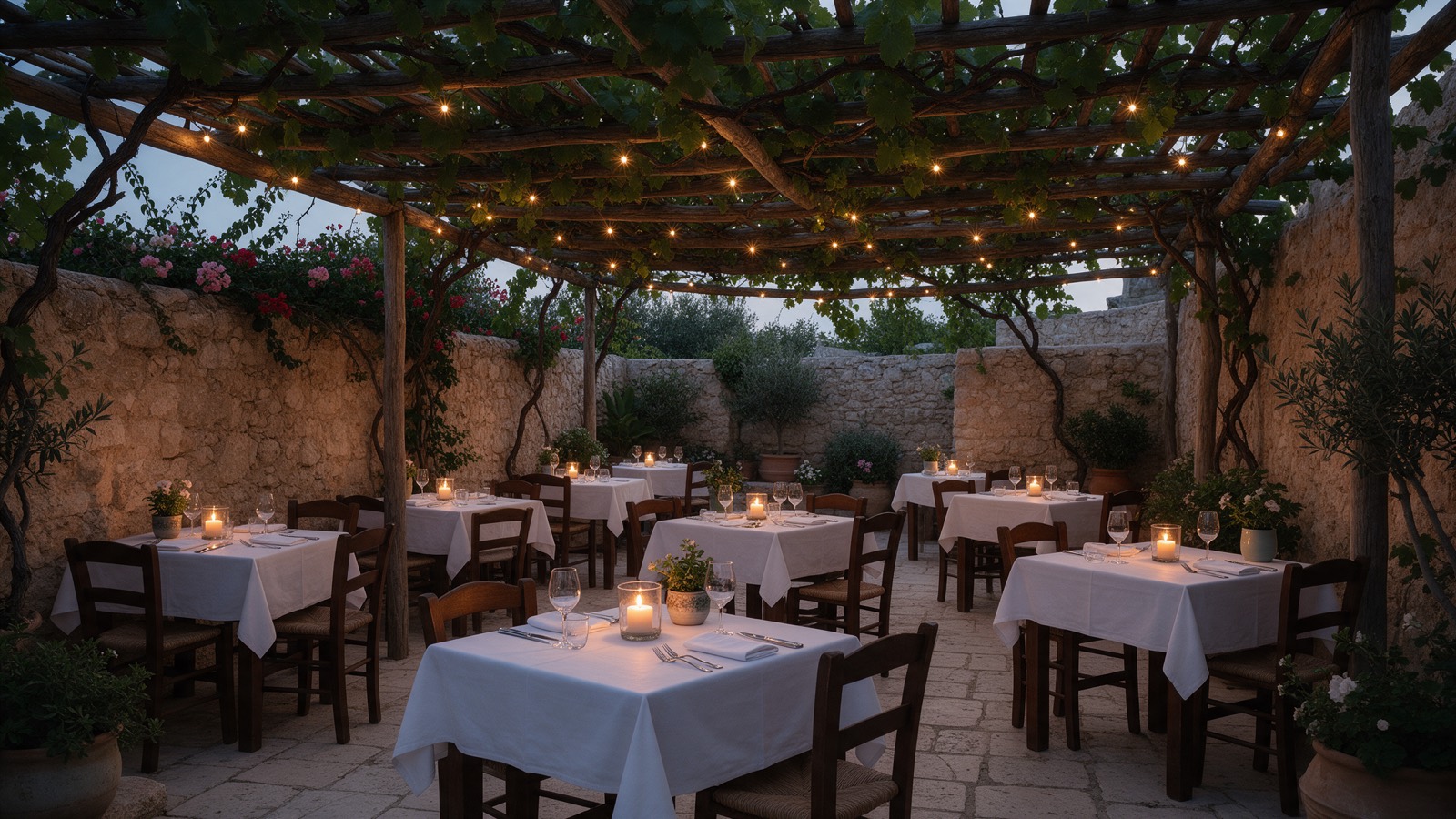
Which means the listing is not a directory entry to be completed once. It is your shop window, and the fields below are the ones people actually look at.
The fields that carry weight
| Field | Why it matters | How often it is wrong |
|---|---|---|
| Primary category | Decides which searches you are eligible for at all | Often too generic |
| Opening hours | Google filters on open now; diners act on it instantly | Frequently stale |
| Special hours | Public holidays are your busiest days | Almost always unset |
| Photos | The main thing a diner looks at | Too few, and too old |
| Menu or menu link | Removes the last reason to hesitate | Missing or a broken PDF |
| Attributes | Outdoor seating, accessibility, dietary options | Rarely completed |
| Reviews and replies | Decides whether you survive the shortlist | Replies missing |
Two of those deserve more than a row.
Primary category is the single most consequential choice on the listing and the one most often left vague. “Restaurant” is a weaker category than the specific one that describes you, because the specific one puts you in a smaller set of results for a much more motivated searcher. Secondary categories are worth adding, but the primary is the one that does the work.
Attributes are unglamorous and quietly decisive. Outdoor seating, wheelchair access, vegetarian options, whether you take bookings. Each one is a filter somebody is using, and an unset attribute means you are excluded from that filter rather than merely unrated on it.
Hours, and the one that quietly costs you
Ordinary opening hours are usually right, because getting them wrong produces an immediate complaint. Special hours are usually unset, and that is the expensive one.
On public holidays Google marks listings with unconfirmed hours as possibly closed, and a diner comparing two places will pick the one that says it is open. Public holidays are also, for most restaurants, among the highest takings days of the year. Setting them takes a few minutes once a year and it is the highest return per minute on this entire list.
Photos, including the ones you did not take
Google mixes your photographs with those uploaded by customers, and customer photographs are taken in low light, at speed, of a half eaten plate. You cannot remove them except by reporting a policy breach, which mostly fails.
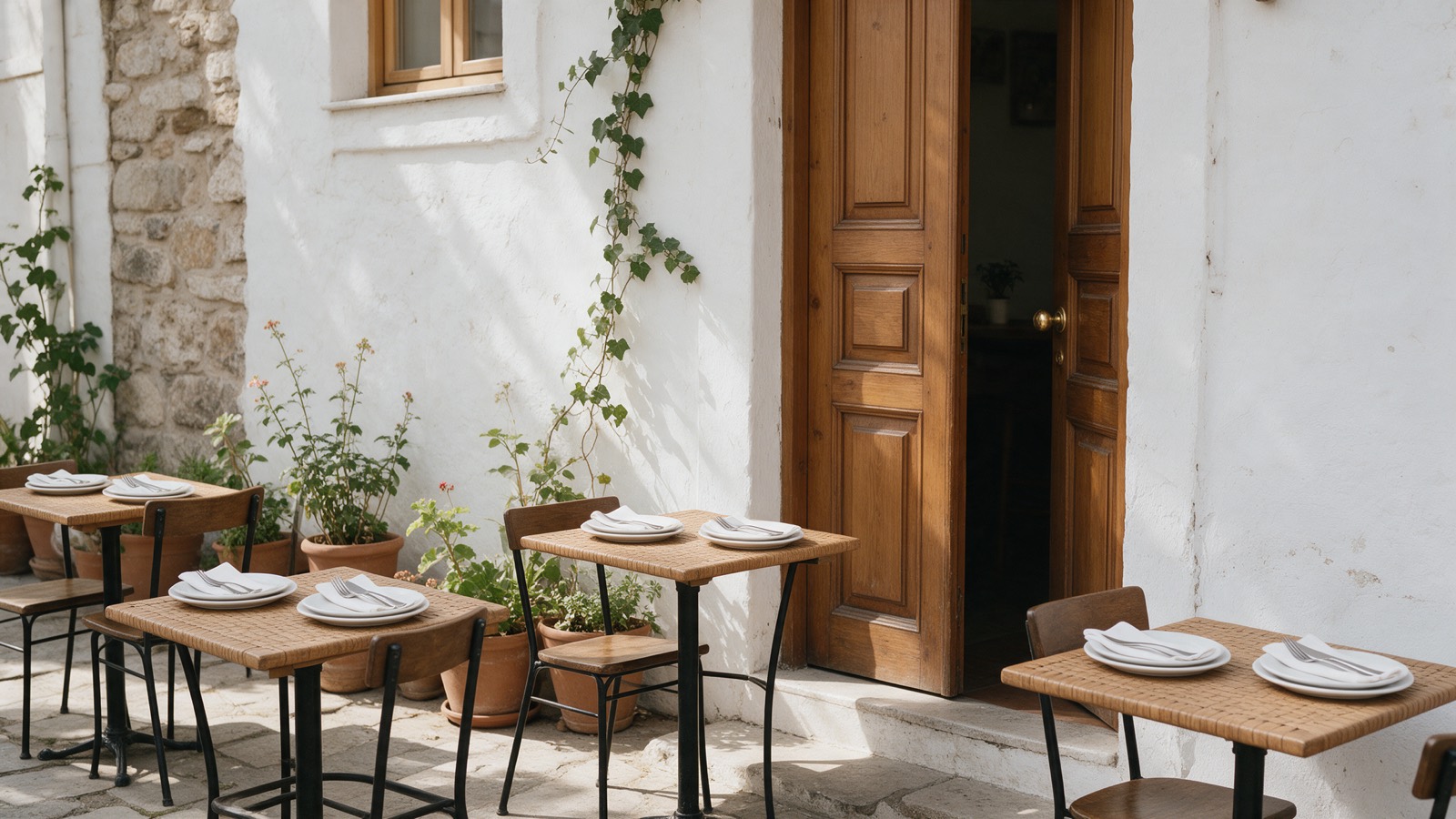
What you can do is supply enough good ones that they are not the impression. The categories a diner actually wants, in order:
- The room, so they know how dressed up to be.
- Three or four actual dishes, lit honestly rather than styled.
- The exterior, so they can find the door.
- Outdoor seating, if you have it, because it is a filter.
- The menu, as photographs rather than only a PDF link.
Refresh them seasonally. A listing whose most recent photograph is three years old reads as a restaurant that may not exist any more, which is the same problem a dormant review profile has.
The questions section nobody owns
Google lets anyone ask a question on your listing, and lets anyone answer it, including people who have never been. The result is a section where a stranger with no connection to your restaurant confidently tells a potential diner whether you have parking.
Two things help. Answer the real questions yourself, promptly, from the business account so the answer is marked as coming from the owner. And seed the obvious ones: you are permitted to ask and answer your own questions, and doing so for parking, bookings, dietary options and accessibility puts an authoritative answer where an invented one would otherwise go.
What to check, and how often
- Daily: new reviews and new questions. Both are public and both decay.
- Monthly: that hours are still right, and that nothing has been changed by a Google suggested edit, which happens without notice.
- Seasonally: photographs, menu link, and attributes if anything about the room has changed.
- Annually: special hours for every public holiday, in one sitting.
None of this is difficult. It fails for the same reason everything else in this area fails, which is that it belongs to nobody in particular and there is no moment in the week where it is obviously due. The listing itself will not remind you, and a competitor with correct holiday hours will not mention it either. For the review half of the job, see how to get more Google reviews and review management for restaurants. You can edit everything above from Google Business Profile.
Common questions
What is the most important part of a Google Business Profile for a restaurant?
Accurate opening hours, the primary category, and a steady flow of recent reviews. Hours because Google filters by open now and diners act on it immediately, the category because it determines which searches you are eligible for at all, and reviews because the rating decides whether you survive the shortlist.
Do special hours matter on Google?
More than almost anything else on the listing. Google shows public holiday hours prominently and marks a listing as possibly closed when they are unconfirmed, which pushes diners to a competitor on exactly the days that matter most to a restaurant's takings.
Can you remove photos customers upload to your Google listing?
Not directly. You can report a photo that breaches Google's policies, which takes time and often fails. The practical response is to upload enough good photographs of your own that the customer photos are not what represents you, since Google mixes both.
Does posting on Google Business Profile help a restaurant rank?
Posts have limited direct ranking effect, but they occupy space in your listing and can carry a menu change, an event or seasonal hours. They are worth doing when there is something real to say, and not worth manufacturing content for.