Product
What hospitality review software actually does, feature by feature
Every vendor lists the same eight features. Here is what each one means in a working week, and what to ask before you believe it.
Keith Matthew Borg
Co-founder, Revify10 min read
Category pages in this market are interchangeable. Everyone offers a unified inbox, AI replies, sentiment analysis and reporting, and the words mean slightly different things each time. This is an attempt at the honest version: what each feature actually changes about a Tuesday, and what to ask before believing the claim. It describes how Revify does it, because that is the implementation we can speak to accurately.
One inbox, six sources
The feature everyone lists first, and the one that does the most work. Reviews and comments from Google, TripAdvisor, Expedia, Booking.com, Facebook and Instagram arrive in a single list, sorted and filterable, instead of living behind six separate logins.

The reason this matters is not elegance, it is attrition. A property with four platforms does not check four platforms. It checks the one with the app it likes, then means to check the others, and three weeks later finds an unanswered complaint that has been near the top of a listing the whole time. Collapsing them into one place is what makes a daily habit survivable.
Social comments belong in the same list even though they carry no star rating. An Instagram comment asking whether you have parking is a sales question, and it decays faster than a review does.
Drafted replies you still approve
Revify drafts a reply that quotes the specific complaint, in the property’s voice, and then waits. A person reads it, edits it if needed, and posts it.
The waiting is deliberate. A reply’s whole persuasive value is that it demonstrates a human was paying attention. See how to reply to negative reviews. Auto-posting removes exactly the thing being demonstrated, and the failure mode is ugly: a cheerful generated paragraph appearing under a complaint about a safety incident.
Two smaller decisions that matter more than they sound:
- Replies never use the guest’s name. It adds nothing and it permanently attaches a named person to a complaint on a page that ranks in search. Drafts open with “Dear Guest” and close with the name of the person who actually sent it.
- Wordless ratings get templates, not generated prose. A bare three-star rating with no text contains nothing to respond to. Inventing a paragraph about a stay nobody described is how properties end up with twenty identical replies.
Sentiment, by aspect rather than by star
Reviews are scored per subject (rooms, staff, food, cleanliness, value, location), so “lovely room, chaotic breakfast” registers as positive for one thing and negative for another instead of averaging into a neutral nothing.
This is the feature that changes decisions rather than saving time. It is also the one most worth testing on your own data during a trial, because it is easy to demonstrate on a curated example and harder to get right on a real multilingual mess. The longer explanation, with a worked example.
More than one property
Groups need two things single properties do not: per-property separation, so a manager sees their own site and not the portfolio, and comparison, so the owner can see across it.
Comparing properties by star rating mostly ranks property type. A city hotel and a resort attract different expectations. Comparing them by aspect is more honest: if check-in is the weakest aspect at four sites out of six, that is a group-level finding with an obvious owner.
Access follows the same logic. Managers get their property and the settings that belong to it; owners can look through a colleague’s view without becoming them, which matters because a reply posted from inside someone else’s session goes out under their name and no audit trail afterwards can honestly say who wrote it.
Turning a complaint into a job
The gap in most review tools is between noticing a problem and anyone fixing it. A complaint about a broken air-conditioning unit is not a communications task, it is a maintenance task, and it needs to reach the person with the spanner.
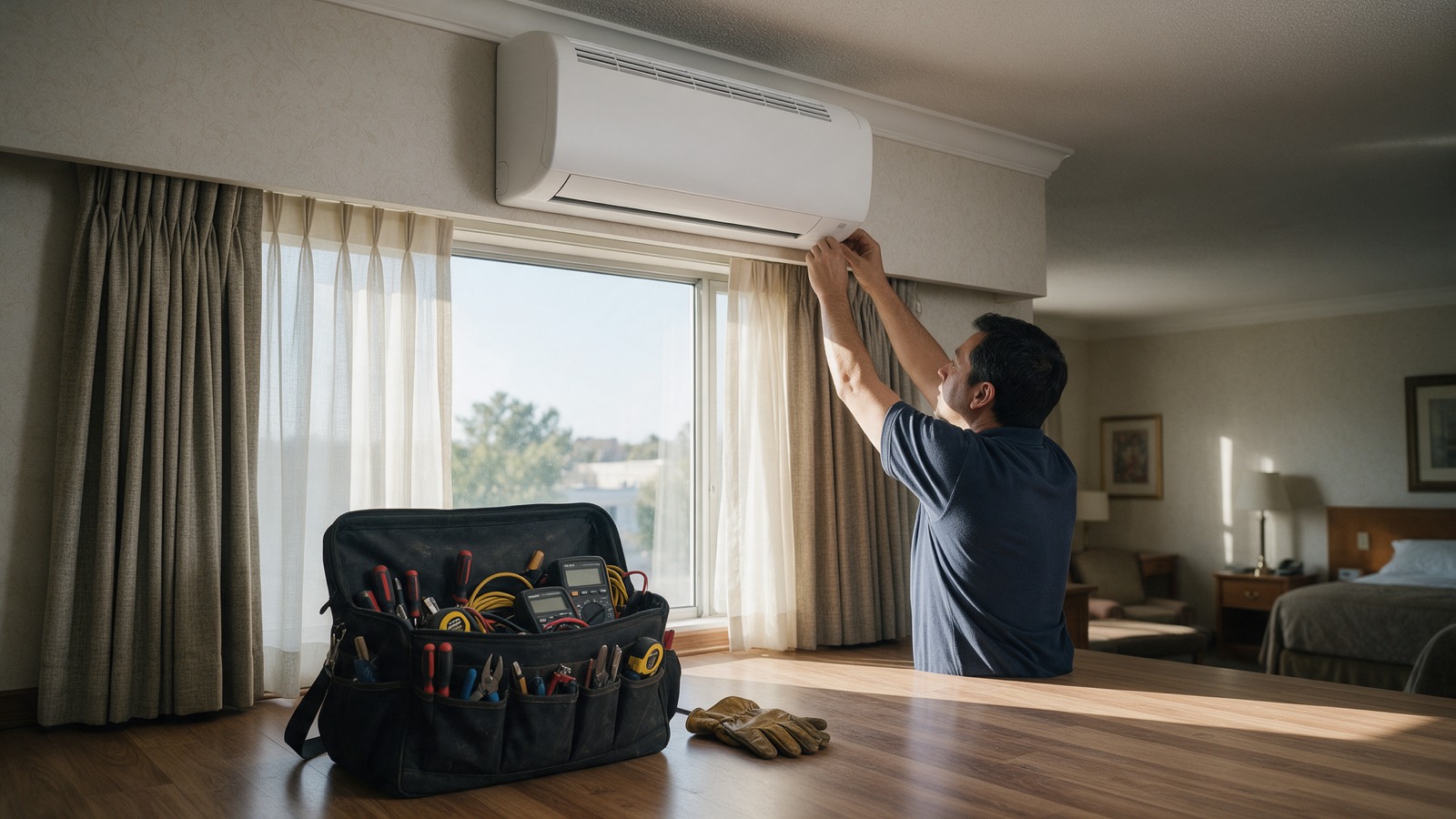
Revify turns a review into a ticket routed to a department (housekeeping, maintenance, kitchen, front desk), so the trail runs from the guest’s sentence to the job and back. The value is not the ticket. It is being able to answer “did we actually fix the thing fourteen people complained about?” with something other than an impression.
Reports somebody will actually read
Most reporting features produce a dashboard that the person who bought the software looks at and nobody else does. The useful output is a document that can be sent: what moved, what guests raised, what was done about it, over a stated period.
Revify produces that as a PDF and as a shareable link, deliberately the same report either way, so the version discussed in a meeting is the version somebody read on their phone beforehand. Benchmark tiles sit alongside it, comparing against the local market rather than a global average, because a four-star average means different things in different towns.
Collecting reviews and showing them off
Two smaller features that earn their place. Review requests, so the flow of recent reviews does not depend on somebody remembering. The mechanics, and the rules that get listings penalised, are in how to get more Google reviews. And an embeddable widget that shows real reviews on your own site, which is where a booking decision is often finally made.
What to ask any vendor, including us
If you are comparing tools, these five questions separate them faster than a feature grid:
| Ask | Why it separates vendors |
|---|---|
| Which platforms can you post a reply to, not just read? | Reply access is far rarer than read access, and logo walls hide it |
| Does anything post without a human approving it? | Reveals whether the tool optimises for volume or for judgement |
| Show me sentiment on my own reviews, not a demo account | Aspect analysis is easy to fake on curated data |
| What happens to my data if we leave? | Export, format, and whether replies you wrote come with you |
| Who sees what, with several properties? | Most tools bolt this on and it shows in the permissions |
The honest summary of this category: the inbox saves the time, the sentiment changes the decisions, and everything else is a matter of whether your team will actually use it on a busy Friday. If you want to try ours against your own reviews, the trial runs for fourteen days and does not ask for a card.
Common questions
What does review management software do?
It collects reviews from every platform a business appears on into one place, helps staff reply to them consistently, analyses what guests repeatedly praise or complain about, and reports on the result. The core value is removing the four or five separate logins that otherwise make daily review handling fall apart.
Can review software reply to reviews automatically?
It can draft a reply, and some tools will post without review. Revify drafts and waits for a person to approve, because the entire point of a reply is demonstrating that a human was paying attention, and an auto-posted reply under a serious complaint is worse than silence.
Does review software work for restaurants as well as hotels?
Yes, though the platform mix differs. Restaurants lean heavily on Google and social comments, while hotels carry more weight on Booking.com and TripAdvisor. The workflow of collect, reply, analyse, report is the same.
How is review software different from a survey tool?
A survey asks guests a question you chose and produces private data. Review software handles what guests said publicly, unprompted, on the platforms that influence bookings. Surveys tell you about your own hypotheses; reviews tell you what guests brought up on their own, in public, where it affects the rating.